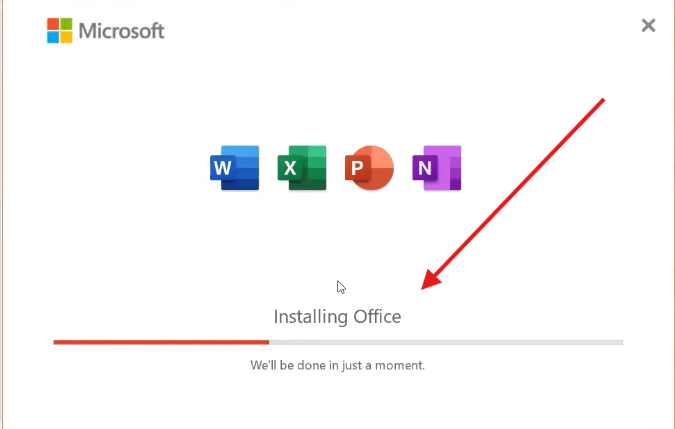
How to Install Office 2021 Using Office Customization Tool – Step-by-Step Guide
Step 1:- So first of all check your internet is connected if you have wifi network then its good else you can connect with mobile hostpot to start the process.
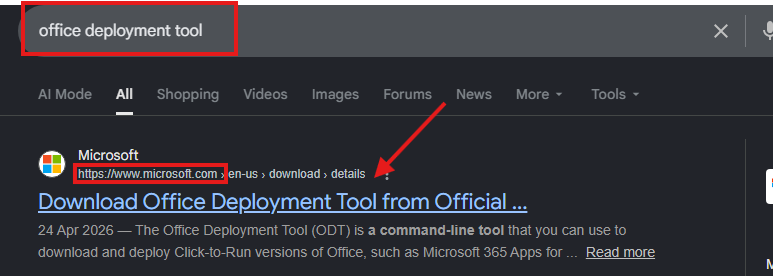
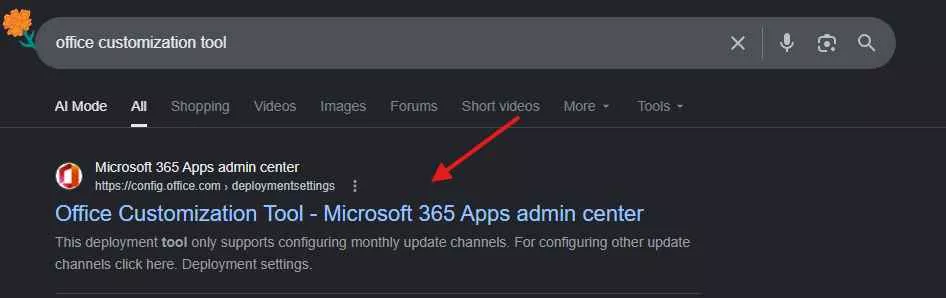
Step 2:- Now open any browser such as chrome or microsoft edge and type on search bar office customizationt tool. Open the very first microsoft official website of customization tool.
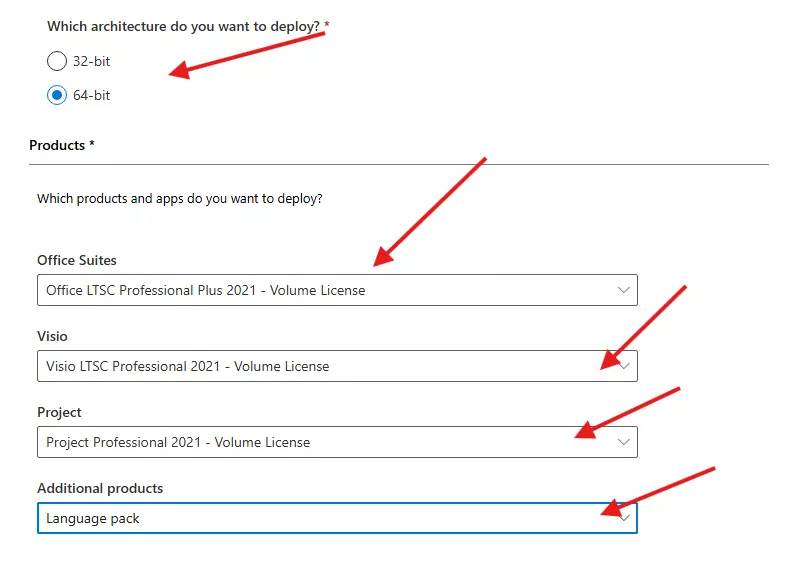
Step 3:- Choose the correct system architechture of your system nowadyas new architechture is 64-bit. Verify yours and choose the correct . Then belove choose the right options.
- In Office Suites: Choose Office Professional Plus 2021 Volume License
- In Visio: Choose Visio LTSC Professional 2021 Volume License
- In Project: Choose Project Professional 2021 Volume License
- In Additional Products: Choose Language Pack
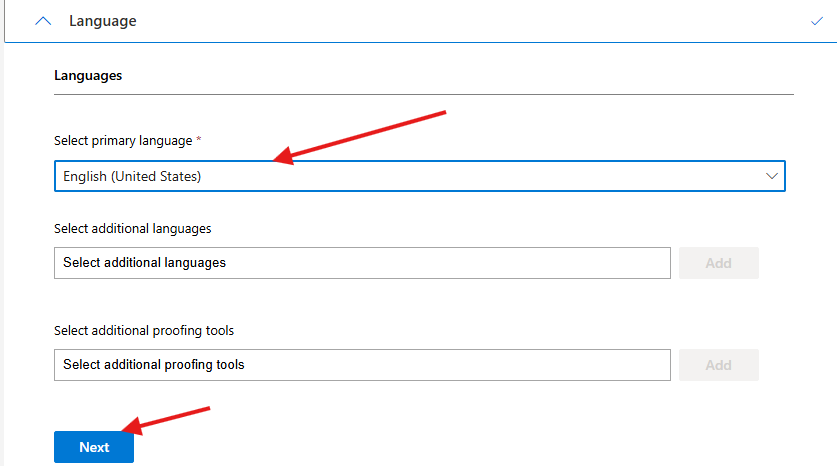
Step 4:- In Language section choose primary Language English and in additional langauegs you can choose according to your region or skip this step and click on Next button.
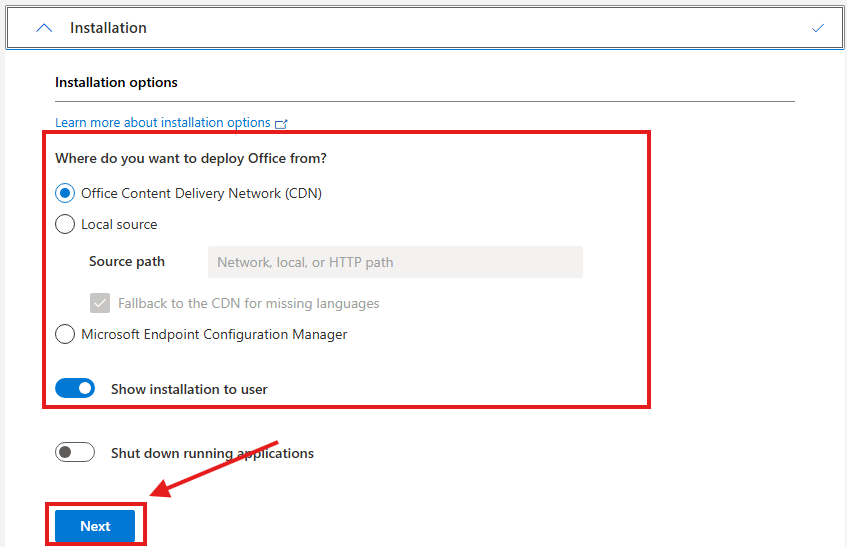
Step 5:- In the installation options leave everything as it is and just click on the Next button again.
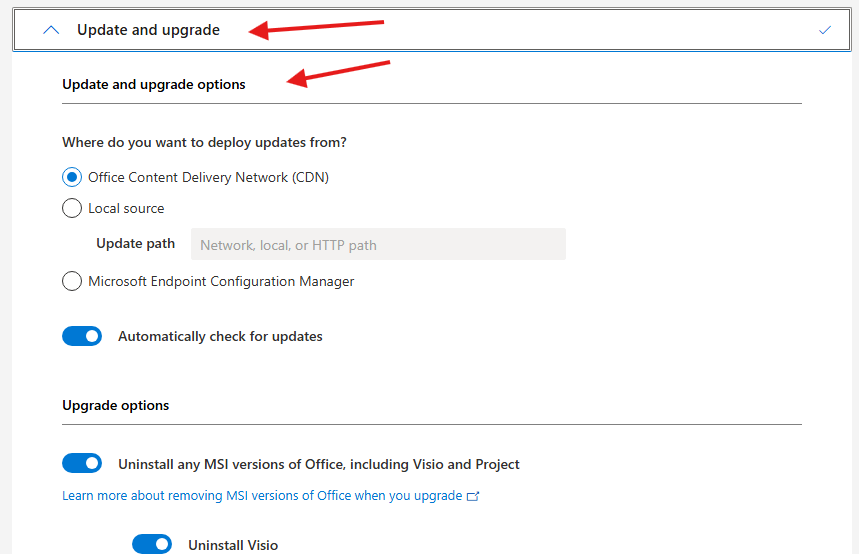
Step 6:- Now you will reach at Upgrade and Update options here also do the same, leave everything as it is and scroll down then click on the Nextagain.
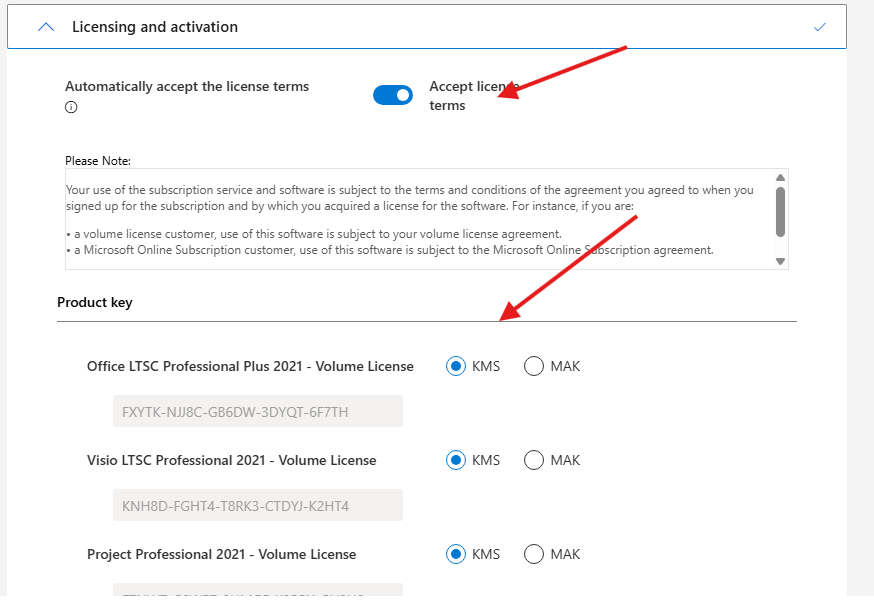
Step 7:- In License and Activation, first of all accept the license terms and leave the product keys settings as it is. Then click on the Next button again.
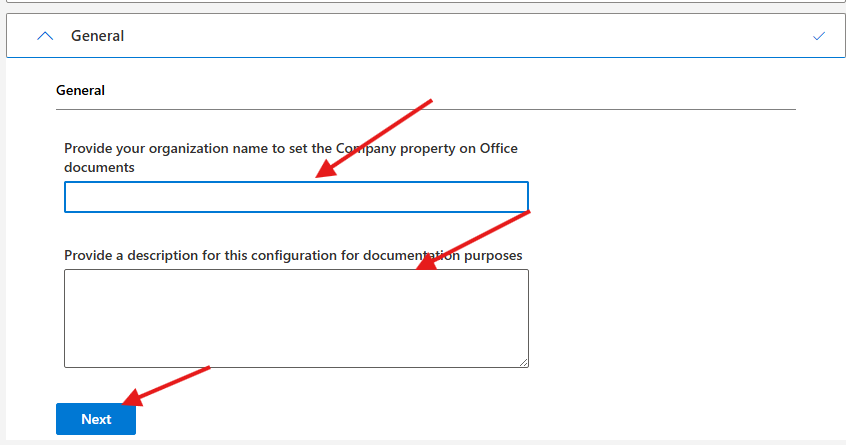
Step 8:-You will reach on the general settings here you can add your bussiness name and description or you can skip the settings.
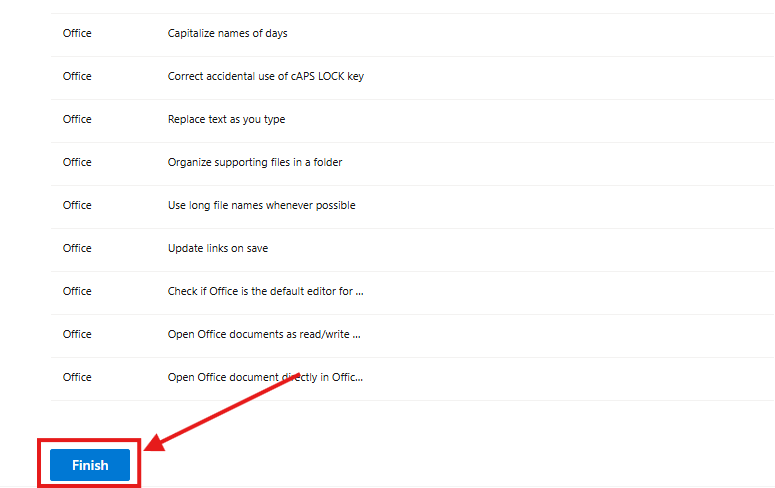
Step 9:- In application prefrence leave just scroll down and click on Finish.
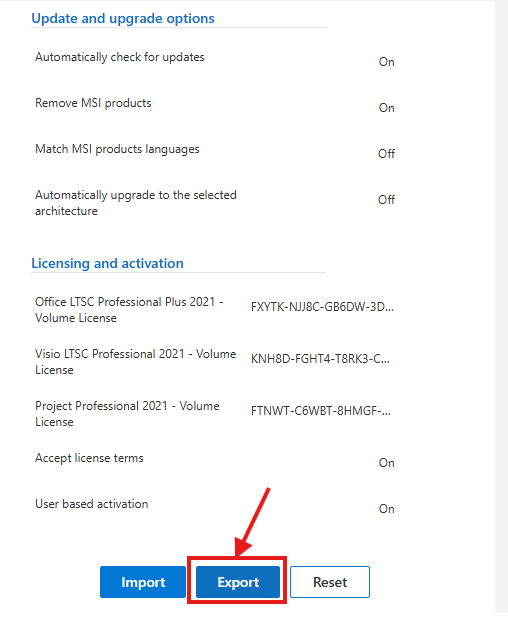
Step 10:- On the right side a export section will appear click on Export. to export a XML file of your office customization tool setting that will help you to install office 2021.
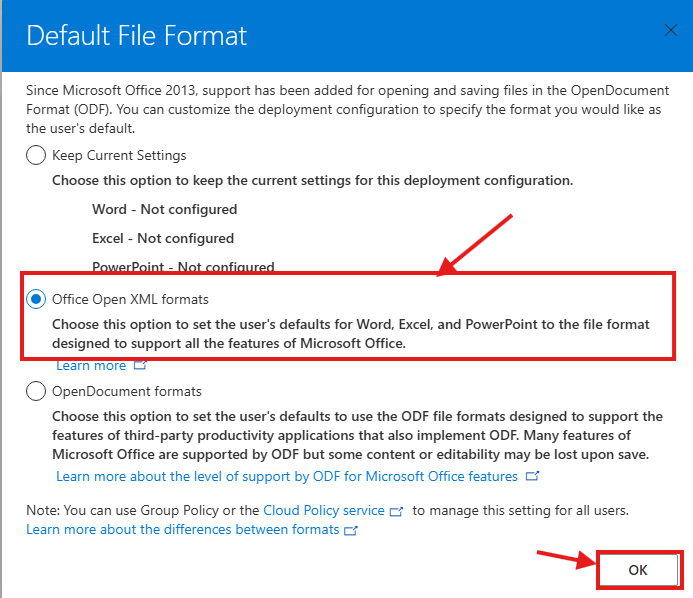
Step 11:- A new section will open where choose the second option Office Open XML Format and click on the Ok.
Step 12:- In this step you have to accept the terms in license agreement and then click on Export button.
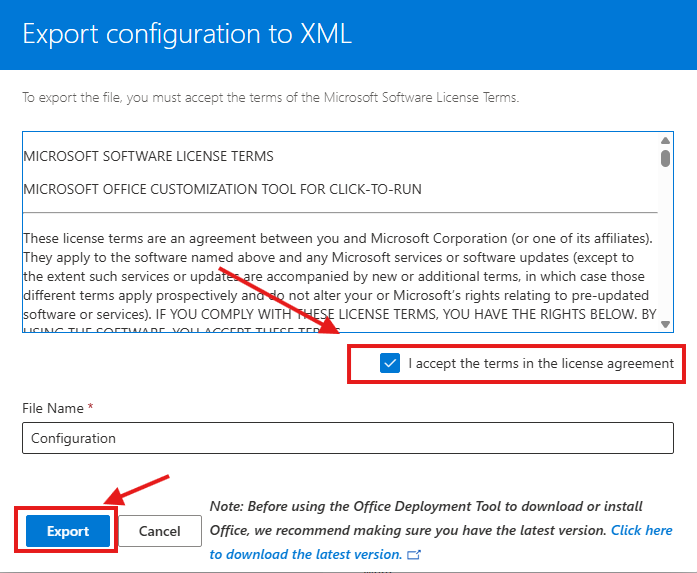
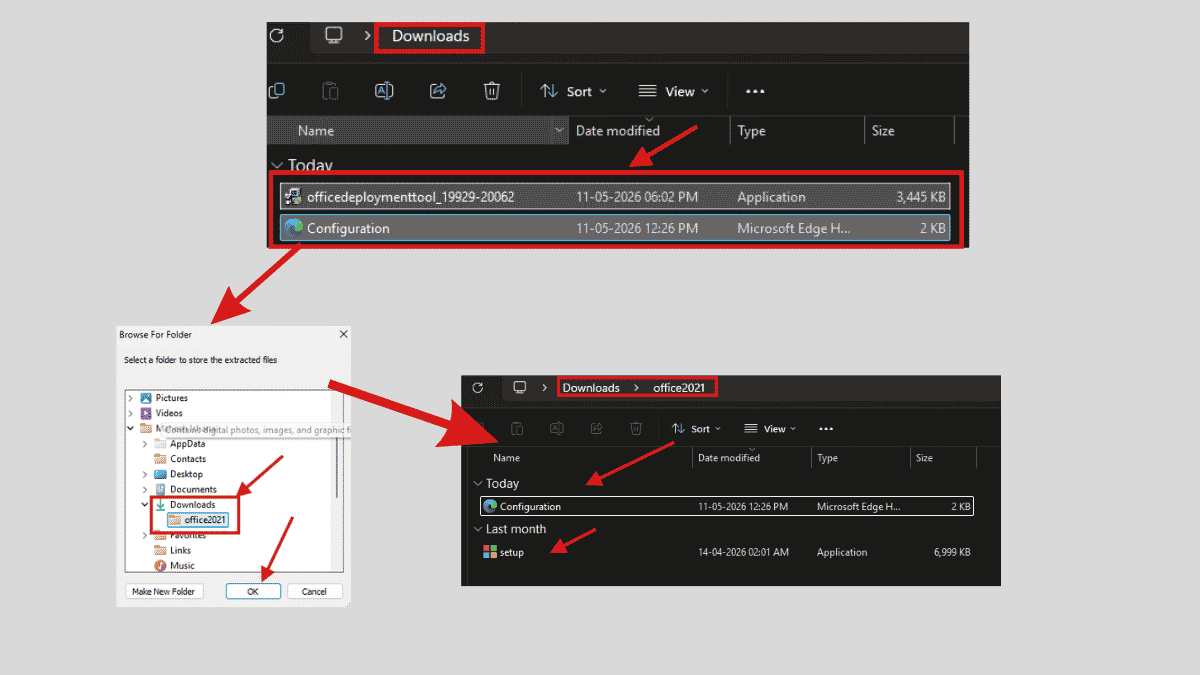
Step 13:- Now the final configuration.xml file will be download that help you to deploy the office 2021.